
Edit Bank Statement PDF online (10000 USD Bank ready)
 ER
ER DK
DKSummarize this page with:
Bank statements are critical financial documents. EasyPDF helps you annotate, highlight, or redact sensitive information in bank statement PDFs for loan applications or audits.
Mortgage portals (Rocket Mortgage, Chase, Wells Fargo) typically accept bank statement PDFs up to 10 MB; landlords and rental platforms (Zillow, Apartments.com) often cap at 5 MB. EasyPDF is the free online tool that lets you edit your bank statement PDF within those constraints, with no install and no upload to a third party.

Key facts at a glance
How to Edit PDF a Bank Statement PDF
- easypdf.frDrop PDF hereChoose file
- easypdf.frRecommendedHigh qualityMaximum compression
- easypdf.frProcessing…
Use case examples
- Monthly bank statements
- Annual account summaries
- Transaction reports
- Savings account statements
The bank statement PDF, format and obligations
Why do so many people need to edit a bank statement PDF? Because a single wrong line can trigger real consequences: Banks retain statements for 5 years per the Bank Secrecy Act; consumers typically need 2 to 3 months of statements for loan or lease applications. The PDF freezes a version, but that version still needs to be adjustable when the context shifts.
How to edit a bank statement PDF
- Upload your file
Drag and drop your bank statement PDF or click to select a file from your device.
- Edit your document
Use EasyPDF tools to edit your bank statement PDF as needed.
- Download the result
Click the download button to save your modified PDF file. No watermark.
Edit operations available on a PDF
What you can change directly without converting to Word.
- Replace text
- Change words while keeping fonts and positioning
- Add text
- Insert new text in a chosen location
- Delete text
- Remove words or whole paragraphs
- Edit images
- Replace, resize, or remove embedded images
- Add annotations
- Highlights, comments, sticky notes
- Redact text
- Permanently remove sensitive content (not just hide it)
- Add signatures
- Sign or stamp the document inline
- Fill form fields
- Type into existing form inputs without flattening
For complex re-layout (multi-column, magazine style), converting to Word and re-exporting is often easier.
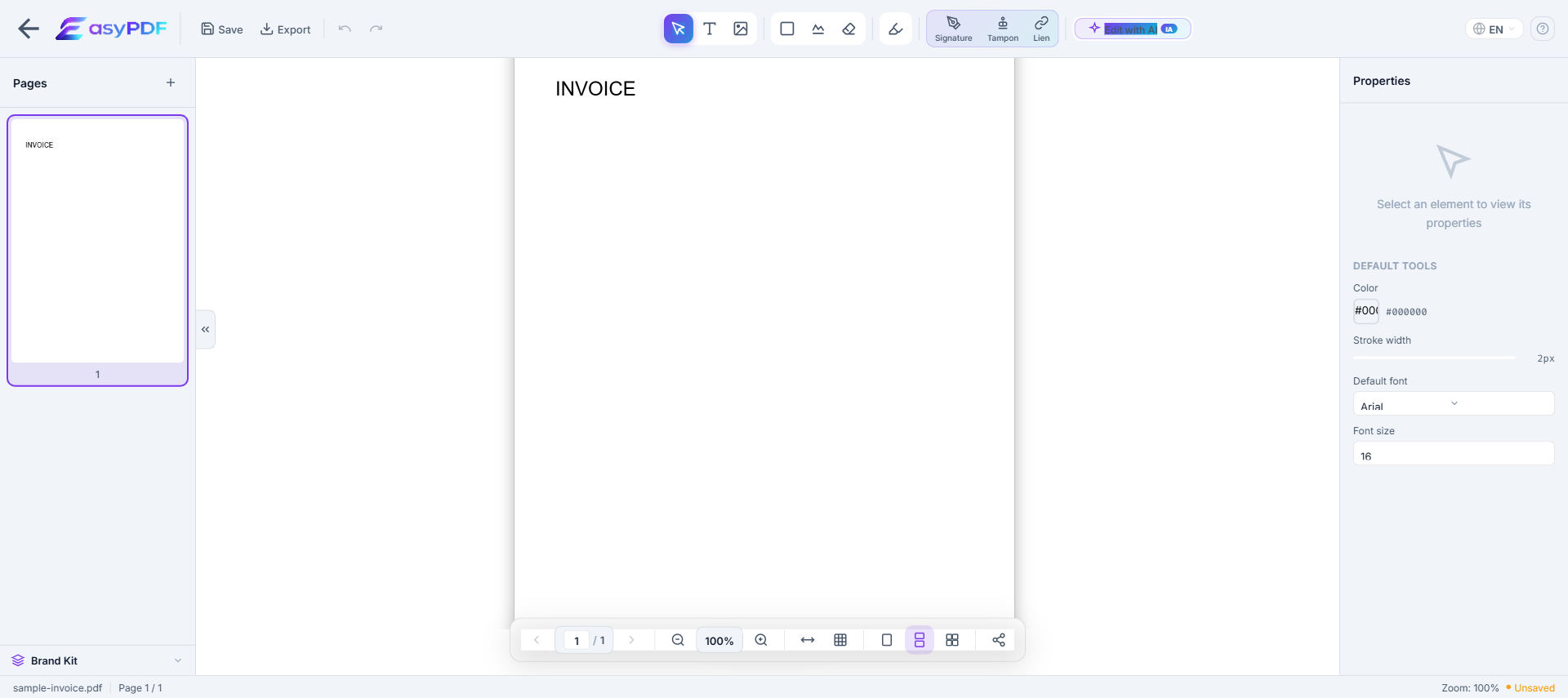
When you need to edit this kind of bank statement
- Fix an error on a bank statement you have already shared (amount, mandatory mention, party identity)
- Bring your bank statement into compliance before a deadline (5 years per Bank Secrecy Act record retention)
- Prepare your bank statement for a third party (Regulation E, Bank Secrecy Act, banker, accountant, attorney)
- Update contact details after a change (relocation, new EIN, merger, name change)
- Adapt the bank statement to a target platform's constraints (Mortgage portals (Rocket Mortgage, Chase, Wells Fargo) typically accept bank statement PDFs up to 10 MB; landlords and rental platforms (Zillow, Apartments.com) often cap at 5 MB.)
Why editing a bank statement PDF is difficult
- PDFs were not designed for editing — text is absolutely positioned
- Original fonts are often embedded and hard to reproduce
- Converting to Word breaks layout, tables, and columns
- Free tools add watermarks or limit functionality
How EasyPDF solves this
- AI-powered font recognition — detects and matches original fonts
- Direct in-PDF editing — no conversion needed
- Preserves layout, tables, and images
- Completely free, no watermarks
- Client-side processing — your files stay private
Edit your bank statement PDF now
Use EasyPDF to edit your bank statement PDF for free, directly in your browser.
Edit a Bank Statement PDFEasyPDF's advantages in this context
- Instant result: you can edit your bank statement and resend it within the same session
- Works on mobile and desktop, useful when you have to edit your bank statement away from your usual workstation
- Built with US workflows in mind: preserves USD with date in MM/DD/YYYY format, transaction descriptions, debits/credits/balance columns, and routing/account numbers (often partially redacted) at the footer.
- No sign-up required, unlike services that gate the download behind a forced registration
- Browser-side processing: your bank statement stays on your device, GLBA and HIPAA-friendly
Tips for edit a bank statement PDF
- Use PDF/A if your bank statement is destined for a long-term records management system (Iron Mountain, NetDocuments)
- Keep the original before editing: useful in case of Plaid review or internal audit
- Check readability after edit: an unreadable bank statement can be rejected by Regulation E or Bank Secrecy Act
- Date successive versions of the file to track edit history, critical in litigation
- Verify that mandatory mentions remain intact after editing (Regulation E governs electronic bank statements in the US, and the Bank Secrecy Act requires retention of records of transactions above $10,000 for 5 years.)
How a freelancer prepared 12 months of statements for their accountant in 90 minutes
A Paris-based freelance designer needed to organize 12 monthly bank statements before their first-ever tax filing as auto-entrepreneur. Each statement had 80-120 transactions mixing professional income, business expenses, and personal spending on the same account. Using EasyPDF, they color-coded every transaction (green = pro income, blue = pro expense, gray = personal) directly on the PDFs in 90 minutes total. The accountant reported a 4x faster reconciliation vs the typical first-year client, and the engagement cost was 240 EUR instead of the quoted 480 EUR.
EasyPDF vs printing + handwriting vs Excel re-entry
| Feature | EasyPDF | Adobe Acrobat |
|---|---|---|
| Highlight transactions on screen | Native, color-coded | Same |
| Redact sensitive account data | True redaction tool | Pro plan only |
| Add annotations per transaction | Inline text or comment | Same |
| Original statement stays untouched | Yes (work on a copy) | Yes |
| No data leaves your computer | Yes, browser-side | Adobe Cloud unless local |
| Cost for 12 months of statements | 0 EUR | 19.99 EUR/month |
Annotate a bank statement before sending to your accountant (6 steps)
- Download the statement from your bank
Use the official "Download as PDF" option from your bank portal. Avoid screenshots — they lose the embedded transaction text that makes annotations easier.
- Make a working copy in EasyPDF
Drag the file in. The original stays in your downloads; you only annotate the in-browser copy.
- Highlight transactions by category
Use the highlight tool with consistent colors: yellow for business, blue for personal, red for disputed. Establish your color code on the first page and stick to it.
- Redact your full account number if sharing
For statements going outside your household, use the redaction tool on the account number row. Save with flatten enabled to remove the data permanently.
- Add notes for context where needed
For ambiguous transactions ("PayPal *XYZ"), add a margin note: "Adobe subscription Q1". Future-you will thank present-you.
- Save with a clear filename
Use a convention like "RELEVE-2026-03-ANNOTE.pdf". Send to your accountant with the original PDF attached for cross-reference.
Frequently Asked Questions
Can I highlight transactions in a bank statement PDF?
Yes, use EasyPDF to annotate and highlight specific transactions in your bank statement PDF.
Can I redact sensitive information from a bank statement?
Yes, EasyPDF allows you to cover or remove sensitive data from your bank statement PDFs.
Is it legal to edit my own bank statement?
Adding annotations, highlights, or redactions for personal organization is legal. Altering amounts, dates, or transaction descriptions to misrepresent the statement to a third party (landlord, lender, tax authority) is fraud and is prosecuted in every country.
How do I redact my account number before sharing the statement?
Use the redaction tool (not just black text on top). Select the area covering the account digits, choose "Black out and remove text", then save with the "flatten" option. This removes the data permanently from the PDF stream so no advanced reader can recover it.
Can I add expense category labels next to transactions on a bank statement PDF?
Yes, use text annotations placed in the margin so the original transaction text remains untouched. For longer notes, use the comment annotation tool, which puts a small icon next to the transaction and reveals the note on click.
My bank statement is image-only (scanned). Can I still annotate it?
Yes, but first run OCR so transaction text becomes selectable. EasyPDF detects scanned statements and offers OCR in one click. Proofread the OCR result on small fonts, since digit recognition errors on amounts are common.
How do I share my statement with a landlord without revealing my account number?
Open the statement, use the redaction tool over the account number (every page it appears), flatten the PDF on save. Optionally redact the merchant name on personal transactions too if you do not want to share what you spend on.
Can I redact my entire balance and still show I had enough money?
You can redact the running balance and leave only specific deposit/expense lines visible. But landlords and lenders typically want to see the balance pattern, so partial redaction may raise more questions than it answers.
Will my bank know if I annotated their PDF statement?
No. The bank does not get a copy of your annotated version. Your edits exist only on the local PDF you save. If you upload the annotated version somewhere, that recipient will see your annotations but the bank itself never does.
How do I combine 12 monthly statements into one annotated file for tax prep?
Use the EasyPDF merge tool to combine the 12 monthly PDFs into one, then annotate the merged file. Alternatively, annotate each month separately and merge afterward — both workflows produce the same result.
Can I export my annotated bank statement to Excel?
Yes, after annotating, use the PDF-to-Excel converter. Annotations do not export to Excel by default (they remain visual only). For data analysis, annotate AFTER exporting to Excel — that way the annotations live alongside the numerical data.
Is it safe to use an online tool on my bank statement?
EasyPDF processes PDFs in your browser by default. The statement content does not upload to any server. Verify this by checking the privacy indicator in the editor toolbar before opening sensitive documents.