
Edit Pay Slip PDF for ADP workflow
 MC
MC AS
ASSummarize this page with:
Pay slips document employee compensation. EasyPDF helps HR teams and employees annotate, organize, and manage pay slip PDFs.
FLSA requires accurate pay records 3 years; W-2 issued by January 31; states require pay statements with specific information. When you need to edit your pay slip without access to the source file, EasyPDF is the free online tool that preserves the original layout and runs in any browser.

Key facts at a glance
How to Edit PDF a Pay Slip PDF
- easypdf.frDrop PDF hereChoose file
- easypdf.frRecommendedHigh qualityMaximum compression
- easypdf.frProcessing…
Use case examples
- Monthly pay slips
- Annual salary statements
- Bonus statements
What to know before touching a pay slip PDF
A pay slip PDF circulating in the US needs to satisfy specific expectations: FLSA requires accurate pay records 3 years; W-2 issued by January 31; states require pay statements with specific information. The tool you use to edit it must preserve the document's integrity while allowing the necessary adjustments.
How to edit a pay slip PDF
- Upload your file
Drag and drop your pay slip PDF or click to select a file from your device.
- Edit your document
Use EasyPDF tools to edit your pay slip PDF as needed.
- Download the result
Click the download button to save your modified PDF file. No watermark.
Edit operations available on a PDF
What you can change directly without converting to Word.
- Replace text
- Change words while keeping fonts and positioning
- Add text
- Insert new text in a chosen location
- Delete text
- Remove words or whole paragraphs
- Edit images
- Replace, resize, or remove embedded images
- Add annotations
- Highlights, comments, sticky notes
- Redact text
- Permanently remove sensitive content (not just hide it)
- Add signatures
- Sign or stamp the document inline
- Fill form fields
- Type into existing form inputs without flattening
For complex re-layout (multi-column, magazine style), converting to Word and re-exporting is often easier.
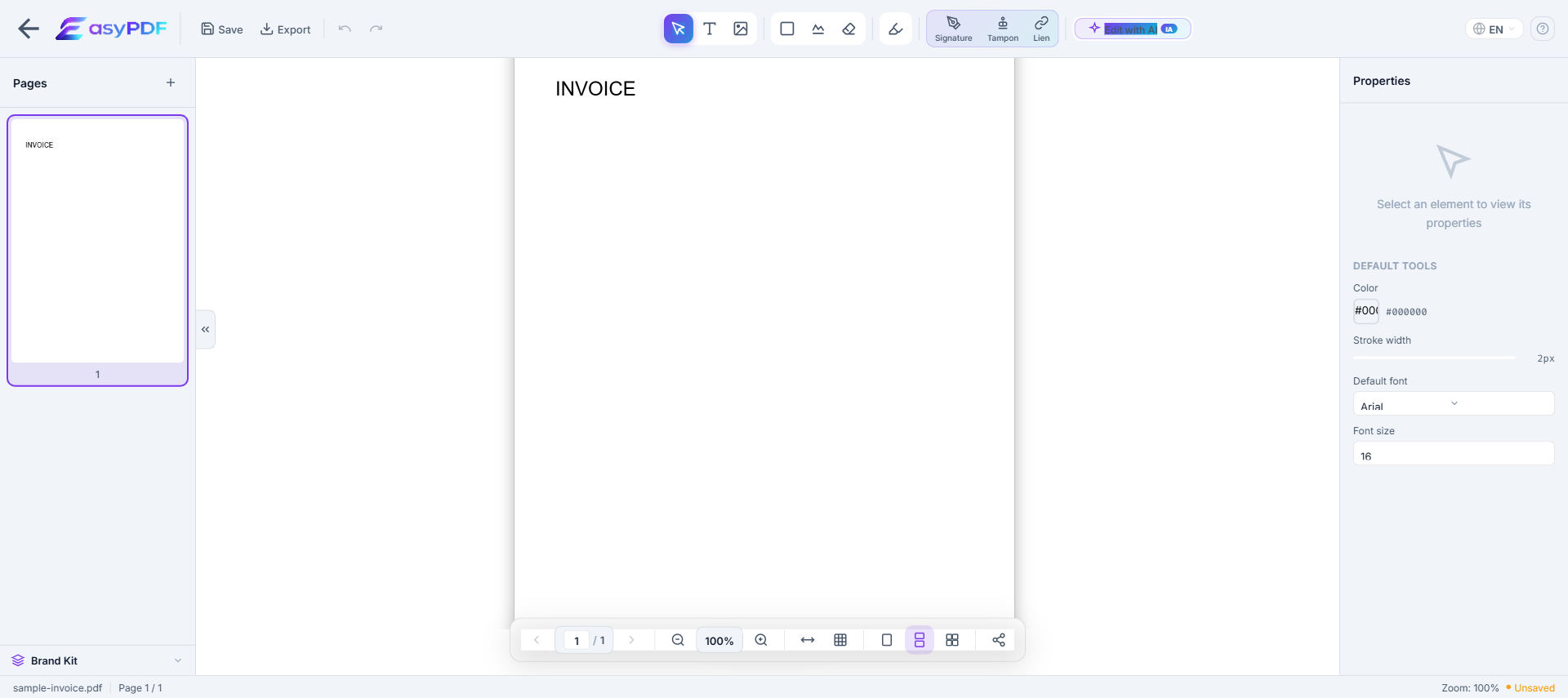
Typical scenarios
- Prepare your pay slip for a third party (FLSA, W-2, banker, accountant, attorney)
- Update contact details after a change (relocation, new EIN, merger, name change)
- Bring your pay slip into compliance before a deadline ( per )
- Build an audit-ready package for a review (ADP, IRS audit, internal compliance)
- Archive your pay slip for the legally required period (Pay frequency typically biweekly or semimonthly; W-2 due January 31; state-specific pay record retention 3-5 years.)
Why editing a pay slip PDF is difficult
- PDFs were not designed for editing — text is absolutely positioned
- Original fonts are often embedded and hard to reproduce
- Converting to Word breaks layout, tables, and columns
- Free tools add watermarks or limit functionality
How EasyPDF solves this
- AI-powered font recognition — detects and matches original fonts
- Direct in-PDF editing — no conversion needed
- Preserves layout, tables, and images
- Completely free, no watermarks
- Client-side processing — your files stay private
Edit your pay slip PDF now
Use EasyPDF to edit your pay slip PDF for free, directly in your browser.
Edit a Pay Slip PDFWhat makes EasyPDF the right choice to edit a pay slip
- Output works with FLSA and W-2 without extra cleanup
- Original fonts and layout preserved, which avoids rejection by FLSA or internal audit
- No watermark on the output, unlike most free online tools that visibly degrade your file
- Instant result: you can edit your pay slip and resend it within the same session
- Works on mobile and desktop, useful when you have to edit your pay slip away from your usual workstation
Practical recommendations
- Strip metadata before external sharing (author, originating software, revision history)
- Work ahead of the deadline (Pay frequency typically biweekly or semimonthly; W-2 due January 31; state-specific pay record retention 3-5 years.) instead of last-minute filing
- Anticipate the recipient's size limit: for
- Use PDF/A if your pay slip is destined for a long-term records management system (Iron Mountain, NetDocuments)
- Keep the original before editing: useful in case of ADP review or internal audit
How an HR team handled 47 pay slip corrections after a payroll migration error
A French SME migrated payroll providers in March 2026 and discovered the new provider had imported employee addresses with truncated postal codes (4 digits instead of 5) on 47 pay slips. Reissuing through the new provider would have taken 3 weeks. The HR coordinator used EasyPDF to correct each address field directly on the PDFs, kept an audit log of corrections, and re-sent the slips with a brief explanation. The whole job took 2 hours and 30 minutes. Zero employee complaints; the payroll provider fixed the import bug for April slips.
EasyPDF vs payroll provider reissue vs Excel mail-merge
| Feature | EasyPDF | Adobe Acrobat |
|---|---|---|
| Fix a non-financial typo | 20 seconds per slip | 2-3 weeks turnaround |
| Add corrected-on footnote | Inline annotation | Same |
| Bulk same edit (e.g. logo) | Bulk stamp tool | Manual JavaScript |
| Audit log of changes | Filename convention | Built-in versioning |
| No employee data uploaded | Yes, browser-side | Cloud upload |
| Cost | 0 EUR | 19.99 EUR/month |
Correct a non-financial typo on a pay slip (5 steps)
- Confirm the correction is non-financial
For any change involving amounts, hours, deductions or tax codes, escalate to payroll. EasyPDF is only appropriate for name, address, cost center and similar non-financial fields.
- Make a copy of the original
Save the original slip as "PAYSLIP-ORIG.pdf" before editing. This preserves the verifiable source.
- Open the working copy and click the field
In EasyPDF, click directly on the typo. The cursor lands inside the text with the original font preserved.
- Type the correction
Enter the correct value. Pay slips use sans-serif fonts almost universally, so substitution is rarely visible.
- Add a footnote and log the correction
Use the text tool to add "Corrected on YYYY-MM-DD" in the bottom margin. Save as "PAYSLIP-CORR.pdf" and log the correction in your HR records.
Frequently Asked Questions
Can I annotate a pay slip PDF?
Yes, EasyPDF lets you add notes and highlights to pay slip PDFs.
Can I edit a pay slip to fix a typo without involving payroll?
For non-financial typos (name spelling, address), yes — but log the correction in your HR system. For any change involving amounts, hours worked, deductions, or tax codes, the correction must go through payroll to keep tax filings consistent.
Will editing a pay slip affect my tax reporting?
Pay slips are not submitted directly to tax authorities — the underlying payroll data is, via separate filings. Editing a slip changes what the employee sees but not what the authority sees. For tax-significant corrections, payroll must reissue both the slip and the filing.
How do I add a missing bonus line to an already-generated pay slip?
Adding a line manually is tempting but risky — the totals at the bottom will not match. The proper workflow is to ask payroll to regenerate the slip, then archive the original. Manual additions are acceptable only for non-financial annotations.
How do I redact a colleague's salary if I have access to a shared pay slip PDF?
Use the redaction tool over the relevant figures, then flatten the PDF on save to remove the data from the PDF stream. Pay slips in shared folders are a common HR data leak; check your folder permissions in parallel.
Can I translate the field labels on a French pay slip into English for a non-French employee?
Yes. Use text annotations placed next to the original French labels (do not replace them). This way the employee sees both languages and the slip remains legally consistent with the French reference version.
Will my employer know if I edited my own pay slip?
Your employer does not get a copy of your edited version. Edits exist only on your local file. However, if you send an edited slip to a landlord or lender, any inconsistency with what your employer would confirm in a verification call is your liability.
How do I merge 12 monthly pay slips into one PDF for a loan application?
Use the EasyPDF merge tool. Combine the 12 slips in chronological order. Many lenders accept this format. Some require the original individual files instead, so check before submitting.
Can I add my IBAN to a pay slip that is missing it?
No — adding banking details to a pay slip that did not include them risks confusion with the employer-validated source. Instead, ask payroll to reissue the slip with your bank details. If you only need the IBAN for personal use, store it separately.
My pay slip is in image format (JPG). Can I make it editable?
Drag the JPG into EasyPDF — it wraps the image in a PDF container. Then run OCR to make the text selectable. From there, annotations and field edits work the same way as on a native PDF.
How do I prove a pay slip I edited is legitimate?
You cannot, definitively. Edited pay slips raise red flags for any verifier. For legitimate purposes (landlord, lender), always request a re-issued original from your employer. Reserve PDF editing for personal annotations only.