
Edit Transcript PDF for Coalition Application workflow
 ER
ER DK
DKSummarize this page with:
Academic transcripts document educational achievements. EasyPDF lets you annotate or highlight transcript PDFs for applications and submissions.
Parchment accepts requests with attachments up to 5 MB; National Student Clearinghouse verification typically PDF/A 1-2 MB. EasyPDF is the free online tool that lets you edit your transcript PDF within those constraints, with no install and no upload to a third party.

Key facts at a glance
How to Edit PDF a Transcript PDF
- easypdf.frDrop PDF hereChoose file
- easypdf.frRecommendedHigh qualityMaximum compression
- easypdf.frProcessing…
Use case examples
- University transcripts
- High school transcripts
- Course completion records
Why edit a transcript PDF in the US?
A transcript PDF circulating in the US needs to satisfy specific expectations: FERPA protects educational records; transcripts ordered through university registrar; some careers require official sealed transcripts. The tool you use to edit it must preserve the document's integrity while allowing the necessary adjustments.
How to edit a transcript PDF
- Upload your file
Drag and drop your transcript PDF or click to select a file from your device.
- Edit your document
Use EasyPDF tools to edit your transcript PDF as needed.
- Download the result
Click the download button to save your modified PDF file. No watermark.
Edit operations available on a PDF
What you can change directly without converting to Word.
- Replace text
- Change words while keeping fonts and positioning
- Add text
- Insert new text in a chosen location
- Delete text
- Remove words or whole paragraphs
- Edit images
- Replace, resize, or remove embedded images
- Add annotations
- Highlights, comments, sticky notes
- Redact text
- Permanently remove sensitive content (not just hide it)
- Add signatures
- Sign or stamp the document inline
- Fill form fields
- Type into existing form inputs without flattening
For complex re-layout (multi-column, magazine style), converting to Word and re-exporting is often easier.
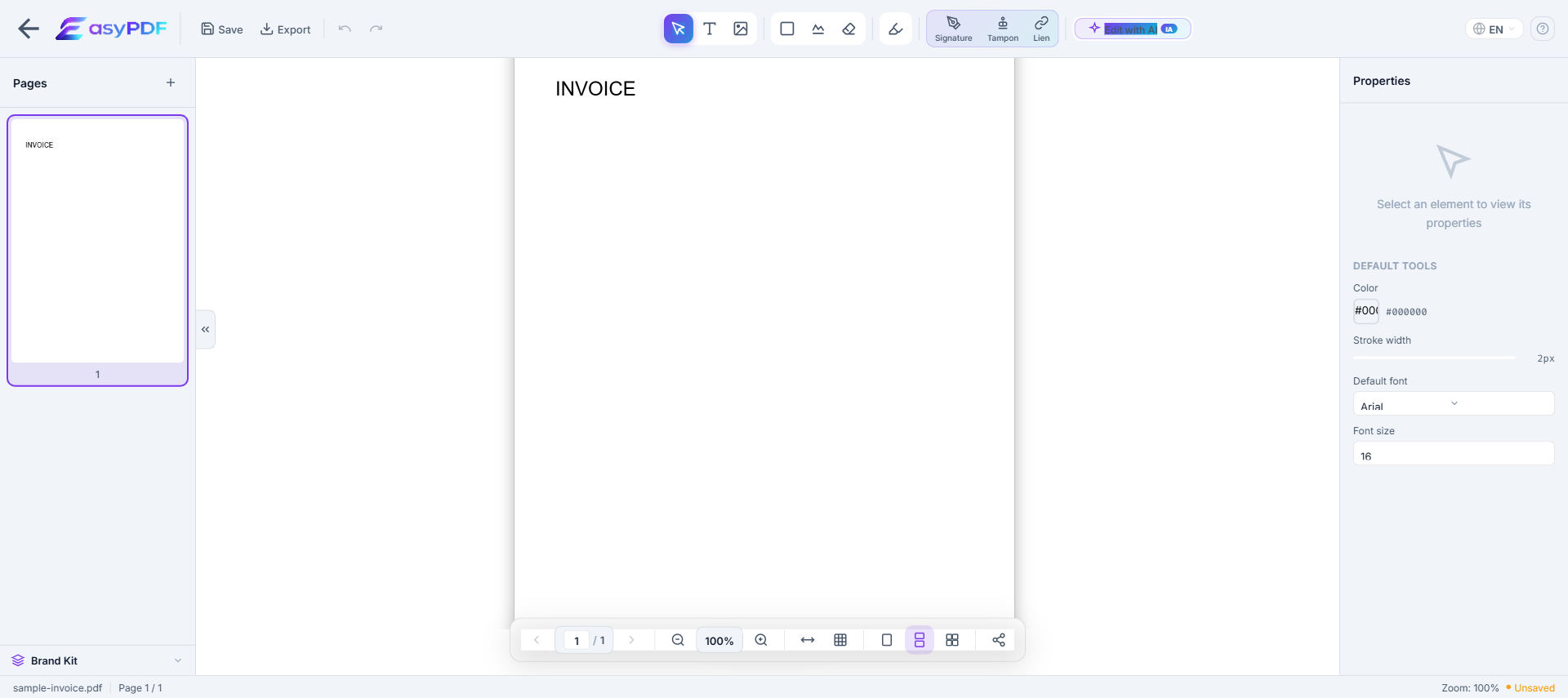
When you need to edit this kind of transcript
- Bring your transcript into compliance before a deadline ( per )
- Archive your transcript for the legally required period (Official transcripts processed 3-10 business days; rush available for fee; transcripts retained indefinitely by institution.)
- Adapt the transcript to a target platform's constraints (Parchment accepts requests with attachments up to 5 MB; National Student Clearinghouse verification typically PDF/A 1-2 MB.)
- Update contact details after a change (relocation, new EIN, merger, name change)
- Prepare your transcript for a third party (FERPA, Common App, banker, accountant, attorney)
Why editing a transcript PDF is difficult
- PDFs were not designed for editing — text is absolutely positioned
- Original fonts are often embedded and hard to reproduce
- Converting to Word breaks layout, tables, and columns
- Free tools add watermarks or limit functionality
How EasyPDF solves this
- AI-powered font recognition — detects and matches original fonts
- Direct in-PDF editing — no conversion needed
- Preserves layout, tables, and images
- Completely free, no watermarks
- Client-side processing — your files stay private
Edit your transcript PDF now
Use EasyPDF to edit your transcript PDF for free, directly in your browser.
Edit a Transcript PDFEasyPDF's advantages in this context
- Browser-side processing: your transcript stays on your device, GLBA and HIPAA-friendly
- Output works with FERPA and Common App without extra cleanup
- Original fonts and layout preserved, which avoids rejection by FERPA or internal audit
- No watermark on the output, unlike most free online tools that visibly degrade your file
- Instant result: you can edit your transcript and resend it within the same session
Tips for edit a transcript PDF
- Verify that mandatory mentions remain intact after editing (FERPA protects educational records; transcripts ordered through university registrar; some careers require official sealed transcripts.)
- Strip metadata before external sharing (author, originating software, revision history)
- Work ahead of the deadline (Official transcripts processed 3-10 business days; rush available for fee; transcripts retained indefinitely by institution.) instead of last-minute filing
- Anticipate the recipient's size limit: for
- Use PDF/A if your transcript is destined for a long-term records management system (Iron Mountain, NetDocuments)
How a student fixed a transcript typo before a Master's application deadline
A French Bachelor's graduate noticed their official transcript had "Compute Science" instead of "Computer Science" the day before their Master's application deadline. Their university registrar quoted 10 working days for re-issue. Using EasyPDF, they corrected the single character, added a footnote "Typo corrected by applicant - awaiting official reissue", and uploaded. The receiving university accepted the annotated version with the explanation note, and the official re-issued transcript arrived in week 2.
EasyPDF vs official re-issue vs translation service
| Feature | EasyPDF | Adobe Acrobat |
|---|---|---|
| Fix typo before deadline | Minutes | 5-10 working days |
| Add translation annotations | Free, inline | 20-50 EUR per page |
| Verifiable to receiving school | No, annotation only | Yes (gold standard) |
| Preserves original layout | Yes | Yes |
| Cost | 0 EUR | 15-30 EUR per transcript |
Annotate a transcript for an international application (5 steps)
- Save the original as untouched reference
Always preserve the source transcript exactly as your institution issued it. Annotations go on a working copy.
- Open the working copy in EasyPDF
Drag and drop. Most transcripts are single-page or 2-page PDFs that load instantly.
- Add language annotations next to each course
Use text boxes in the right margin to translate course names (e.g., "Mathématiques appliquées" → "Applied Mathematics"). Do not replace original labels.
- Mark any typo with a footnote
For a typo correction, mark the field with a small superscript and add a footnote: "Original text contained typo; corrected by applicant. Official re-issue requested."
- Save and submit alongside the original
Provide both the original and the annotated version to the receiving institution. They will treat the original as authoritative and the annotated as supporting context.
Frequently Asked Questions
Can I highlight courses on a transcript PDF?
Yes, EasyPDF lets you annotate and highlight specific sections of transcript PDFs.
Is it legal to edit my own academic transcript?
Editing your own transcript to misrepresent grades or credits to a third party is academic fraud, prosecuted in every country and a permanent disqualifier for academic credentials. Correcting non-academic data (your name spelling) is technically legal but always better handled via official re-issue.
How can I get my transcript translated into another language for a foreign application?
Most universities offer certified translations as a paid service. For informal use, annotate the transcript with English equivalents next to each course name using EasyPDF text tools, keeping the original labels visible.
Will the receiving university verify my transcript with my school?
Yes, most universities verify transcripts directly with the issuing institution via secure channels (e.g., National Student Clearinghouse in the US, similar national bodies elsewhere). Any edits not present in the source database will be caught.
My transcript is locked from edit. How do I add annotations?
Some institutions issue transcripts with restricted permissions. EasyPDF can usually add annotation layers on top without breaking the underlying restrictions. If true editing is blocked, only the annotation layer will save successfully.
Can I convert a transcript PDF to Word to edit more easily?
Yes, but you will lose the institutional seal and watermarks. For applications, this defeats the purpose. PDF-to-Word conversion is fine for personal reference but never for submission.
How do I redact specific courses on a transcript before sharing?
Use the redaction tool, then flatten the PDF on save. Be aware that redacted transcripts raise red flags for receiving institutions — they may request the un-redacted version.
Can I merge transcripts from multiple semesters into one PDF?
Yes, EasyPDF's merge tool combines transcripts. For graduate applications requiring a complete record, this is often expected. Keep individual semester PDFs in your records as a backup.
How long should I keep the original transcript on file?
Indefinitely. Many graduate programs and employers require transcripts decades after issuance. Store the original digital file in two separate cloud locations plus a local backup.