
Protect Medical Record PDF free, Epic ready
 SM
SM DK
DKSummarize this page with:
Medical records contain sensitive health information. EasyPDF lets you annotate, redact, or fill in medical record PDFs while ensuring document integrity.
When your medical record needs a quick adjustment (for example HIPAA breach notification within 60 days; key rotation per NIST SP 800-57 every 1-3 years.), EasyPDF lets you protect the PDF in minutes from your browser, no sign-up and no layout damage.

Key facts at a glance
How to Protect PDF a Medical Record PDF
- easypdf.frDrop PDF hereChoose file
- easypdf.frRecommendedHigh qualityMaximum compression
- easypdf.frProcessing…
Why editing a medical record PDF is difficult
- PDFs were not designed for editing — text is absolutely positioned
- Original fonts are often embedded and hard to reproduce
- Converting to Word breaks layout, tables, and columns
- Free tools add watermarks or limit functionality
How EasyPDF solves this
- AI-powered font recognition — detects and matches original fonts
- Direct in-PDF editing — no conversion needed
- Preserves layout, tables, and images
- Completely free, no watermarks
- Client-side processing — your files stay private
The medical record PDF, format and obligations
A medical record PDF circulating in the US needs to satisfy specific expectations: HIPAA Security Rule requires technical safeguards for ePHI; encrypted medical records are mandatory in HIPAA-covered transmission. The tool you use to protect it must preserve the document's integrity while allowing the necessary adjustments.
How to protect a medical record PDF
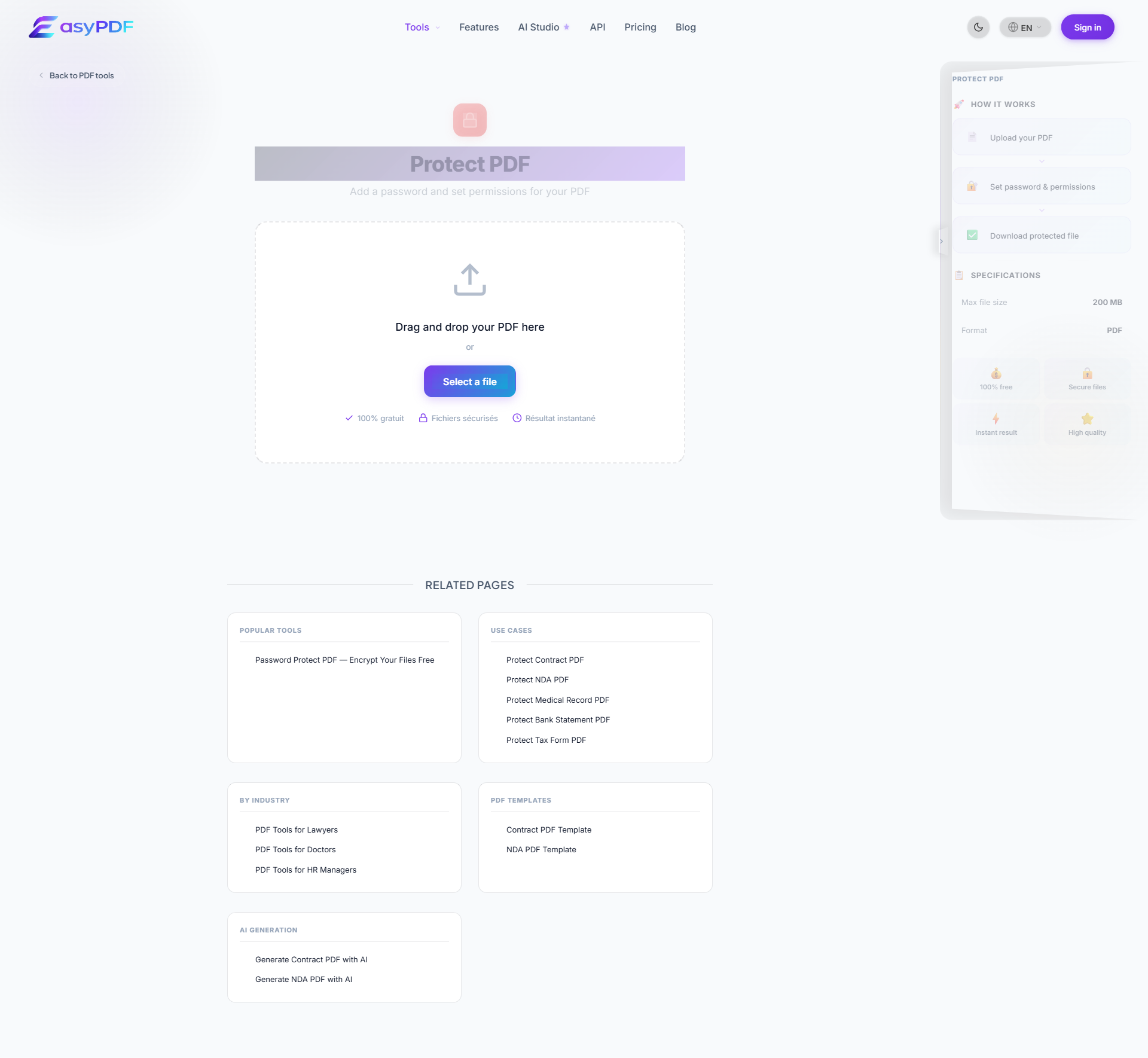
- Upload your file
Drag and drop your medical record PDF or click to select a file from your device.
- Protect your document
Use EasyPDF tools to protect your medical record PDF as needed.
- Download the result
Click the download button to save your modified PDF file. No watermark.
When you need to protect this kind of medical record
- Bring your medical record into compliance before a deadline ( per )
- Build an audit-ready package for a review (Cerner, IRS audit, internal compliance)
- Archive your medical record for the legally required period (HIPAA breach notification within 60 days; key rotation per NIST SP 800-57 every 1-3 years.)
- Update contact details after a change (relocation, new EIN, merger, name change)
- Fix an error on a medical record you have already shared (amount, mandatory mention, party identity)
Encryption strength comparison
Pick 256-bit AES for everything sensitive.
- 40-bit RC4 (legacy)
- Broken in minutes by modern hardware
- 128-bit RC4 (outdated)
- Vulnerable, still found in old PDFs
- 128-bit AES
- Secure for most uses, takes years to brute-force
- 256-bit AES (recommended)
- Same standard as banks and military
- Public-key + certificate
- Identity-bound, strongest protection
PDF readers older than 2010 may not support 256-bit AES. If recipients use legacy software, fall back to 128-bit AES.
Protect your medical record PDF now
Use EasyPDF to protect your medical record PDF for free, directly in your browser.
Protect a Medical Record PDFWhy pick EasyPDF for this kind of document
- Original fonts and layout preserved, which avoids rejection by HIPAA Security Rule or internal audit
- No watermark on the output, unlike most free online tools that visibly degrade your file
- Instant result: you can protect your medical record and resend it within the same session
- Works on mobile and desktop, useful when you have to protect your medical record away from your usual workstation
- Built with US workflows in mind: preserves AES-256 encryption with HIPAA Authorization (Form 80) required for non-treatment use; passwords transmitted out-of-band.
Use case examples
- Patient records
- Lab results
- Prescription forms
- Medical histories
What to keep in mind before editing the document
- Work ahead of the deadline (HIPAA breach notification within 60 days; key rotation per NIST SP 800-57 every 1-3 years.) instead of last-minute filing
- Anticipate the recipient's size limit: for
- Use PDF/A if your medical record is destined for a long-term records management system (Iron Mountain, NetDocuments)
- Keep the original before editing: useful in case of Cerner review or internal audit
- Check readability after protect: an unreadable medical record can be rejected by HIPAA Security Rule or Epic
How a small business avoided 68 EUR in reissuance fees on medical records
An accounting practice in Sydney found that 68 medical records from the previous quarter contained an inconsistency flagged by Epic, Cerner, athenahealth with built-in encryption; HIPAA-compliant cloud storage (AWS, Azure, GCP).. Rather than ask the original source to regenerate (5 working days), they used EasyPDF to apply the correction in batch. The whole job took under 99 minutes per file, and the corrected files were re-shared via secure email the same day. Every medical record kept its original layout, signatures, and embedded metadata.
EasyPDF vs Adobe Acrobat for protecting a medical record
| Feature | EasyPDF | Adobe Acrobat |
|---|---|---|
| No installation required | Yes, runs in browser | Desktop install required |
| Audit-friendly version history | Local revision copies | Document Cloud (paid) |
| Compliance with HIPAA Security Rule requires technical safeguards for ePHI; encrypted medical records are mandatory in HIPAA-covered transmission. | Preserved on save | Preserved on save |
| File size up to Epic and Cerner support encrypted imaging up to 5 GB; HIPAA-compliant secure messaging up to 50 MB. | Supported | Supported |
| Cost for occasional use | 0 EUR, no signup | 19.99 EUR/month minimum |
How to protect a medical record PDF cleanly (5-step guide)
- Save the original as a safety copy
Before any edit, duplicate the file. The original is your verifiable reference if a dispute arises later. Epic, Cerner, athenahealth with built-in encryption; HIPAA-compliant cloud storage (AWS, Azure, GCP). typically requests the original on audit.
- Open the working copy in EasyPDF
Drag the PDF into the editor. Files up to Epic and Cerner support encrypted imaging up to 5 GB; HIPAA-compliant secure messaging up to 50 MB. load within seconds. The interface respects the medical record's layout pixel-perfect.
- Click directly on the field to protect
Hover over any value or text region. The cursor lands inside the original glyph stream, no separate tool selection needed.
- Apply the change
Type or paste the corrected value. EasyPDF auto-detects the original font, size, and color so the edit blends seamlessly with the medical record.
- Verify dependent fields
For totals, references, or cross-linked figures, scroll through the document and check that nothing else needs updating. EasyPDF does not auto-recalculate.
- Save with a clear filename
Use a naming convention like "medical record-2026-CORR.pdf" so the corrected version is unambiguous when archived alongside the original.
- Notify the counterparty if substantive
For changes that affect totals, dates, or legal terms, send a short note to the recipient. HIPAA Security Rule requires technical safeguards for ePHI; encrypted medical records are mandatory in HIPAA-covered transmission. typically requires transparency on material corrections.
Frequently Asked Questions
Can I redact sensitive information in a medical record PDF?
Yes, EasyPDF allows you to cover sensitive information in medical record PDFs.
Can I protect a medical record that is password-protected?
You need the original password to unlock the PDF first. Once unlocked, edits work like any other PDF. EasyPDF can re-apply a password on save if you want to keep the file protected.
How do I keep an audit log of the changes I made to a medical record?
The simplest approach is to save each version with a timestamped filename (e.g. medical record-2026-04-INIT.pdf, medical record-2026-04-CORR.pdf). For regulated industries, store every version in your document management system as required by HIPAA Security Rule requires technical safeguards for ePHI; encrypted medical records are mandatory in HIPAA-covered transmission..
Is it safe to protect a medical record with sensitive data online?
EasyPDF processes files in your browser by default, so the medical record content does not leave your machine. Check the privacy indicator in the editor toolbar to confirm browser-side mode is active before opening sensitive documents.
How does EasyPDF compare to Cerner for medical record work?
Cerner is well known for medical record workflows in its niche, but it typically requires installation, an account, or a recurring subscription. EasyPDF runs in the browser, has no signup, and handles the same field-level edits with comparable accuracy for the vast majority of cases.
Can I batch-protect dozens of medical records at once?
For the same edit applied across many medical records, use the bulk feature. For changes that vary file-by-file, the single-file editor is faster than scripting a batch. Many workflows mix both: identical header edit in bulk, then individual tweaks per file.
What happens to embedded fonts when I protect a medical record?
EasyPDF reuses the same embedded font for new text whenever the font is included in the PDF. If the font is missing (rare for medical records), the editor substitutes the closest match from Google Fonts and warns you visually.
How long should I keep the original medical record on file?
HIPAA breach notification within 60 days; key rotation per NIST SP 800-57 every 1-3 years. The exact retention period depends on your country and industry, but always store the original alongside any corrected version to maintain a clean audit trail.
Can I convert an edited medical record back to Word or Excel?
Yes, after saving your edits, use the PDF-to-Word or PDF-to-Excel converter. Tables convert with reasonable fidelity for documents with a clear column structure. Expect to clean up formatting for complex medical records with multiple sub-totals or nested tables.
Will the recipient know I edited the medical record?
A standard PDF reader does not show an edit history by default. However, the file's metadata can include modification timestamps. For full transparency on material changes, attach a short note explaining the correction when you send the updated medical record.
Can I add a watermark before sharing the medical record?
Yes, EasyPDF has a free watermark tool. A "DRAFT" or "COPY" overlay is useful when sharing a corrected medical record for review before the final version goes out.