Job seeker
Submitting a CV via Workday or Greenhouse where the upload limit is 5 MB.
400 KB passes ATS parsing without truncation

 SM
SM DK
DKE-visa systems, embassy portals and university application forms frequently cap each supporting document at 400 KB. EasyPDF compresses multi-page dossiers to 400 KB while IDs, stamps and seals stay verifiable.
A 4-6 MB scanned dossier reaches 400 KB when text dominates: expect 90% reduction at 100-130 dpi. Passport photo pages and bank stamps stay verifiable, but keep a high-resolution original for consular counters.
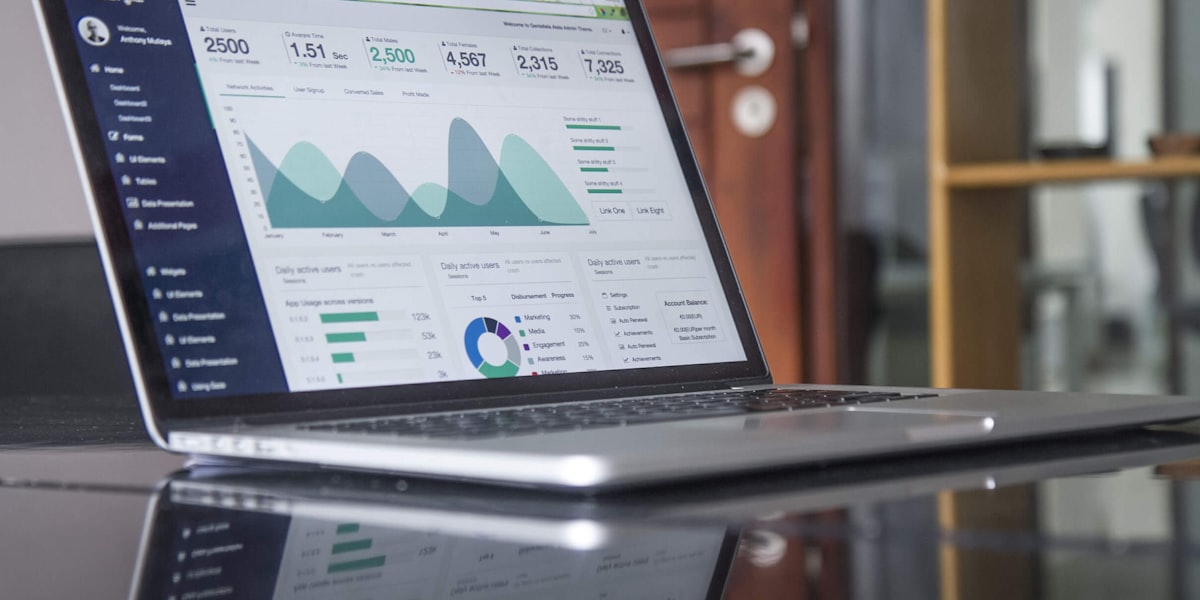
For visa applications, embassy uploads, university dossiers and rental files with per-document caps around 400 KB.
Compression runs entirely in your browser. No upload, no signup.
Real workflows where 400 KB is the right target.
400 KB carries a mostly-text multi-page dossier at 100-130 dpi: passport data pages, bank stamps and invitation letters stay verifiable. E-visa systems and embassy upload forms frequently cap each supporting document at 400 KB, and university admissions apply similar per-file limits. EasyPDF compresses your PDF to 400 KB in seconds from your browser, with no install, no watermark, and no upload to external servers.
Drag and drop your PDF file or click to select from your device.
Choose the compression level to reach the target size of 400 KB.
Your compressed PDF is ready. Download it instantly, no watermark added.
Upload the dossier to EasyPDF and pick strong compression. A 4-6 MB scan of mostly text pages compresses to about 400 KB at 100-130 dpi.
Yes: passport data pages, bank statements and invitation letters stay verifiable at 100-130 dpi. Always keep the uncompressed original in case an officer requests a reprint.
Split the PDF so each document travels separately, then compress each part. Ten pages of dense color scans cannot fit 400 KB without becoming unreadable.
Yes, EasyPDF lets you compress your 400 kb PDF directly without converting it to another format. The original PDF structure and formatting are preserved.
Absolutely. EasyPDF processes all files client-side in your browser. Your 400 kb PDFs are never uploaded to any server, ensuring complete privacy and security.
No, EasyPDF is completely free to use and requires no registration. Simply open the tool, upload your 400 kb PDF, and start working immediately.